Create a 1,000-line project plan before your coffee gets cold.
Ditch the clunky spreadsheets. Map phases, add dependencies, and lock your baseline in minutes.

Personalized Workspace
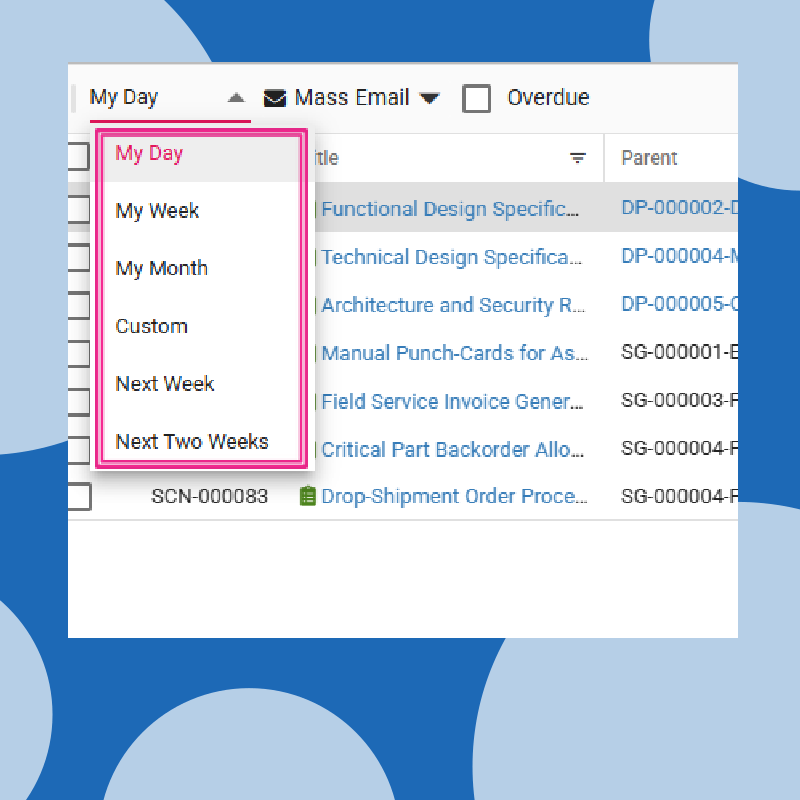

All your work, handled from one workspace.

Review resources, update statuses, and log your progress without ever leaving your main workspace.
Add comments, send reminders and attach files directly inside the work itself.
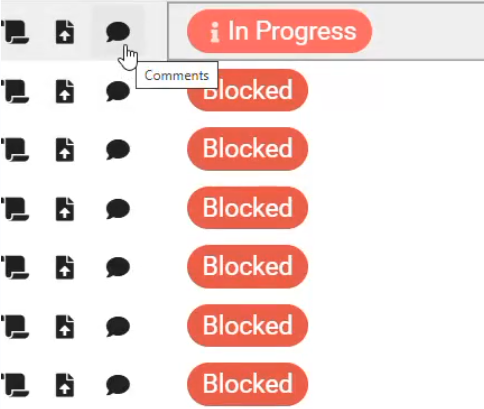

Collaborate where the actual work lives.
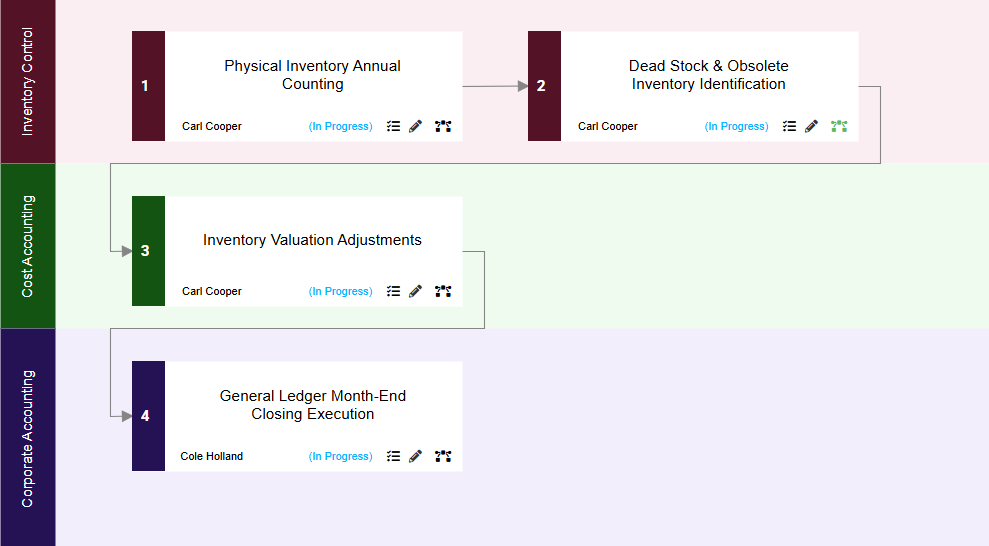
The Domino Effect
Everything is connected. Period.
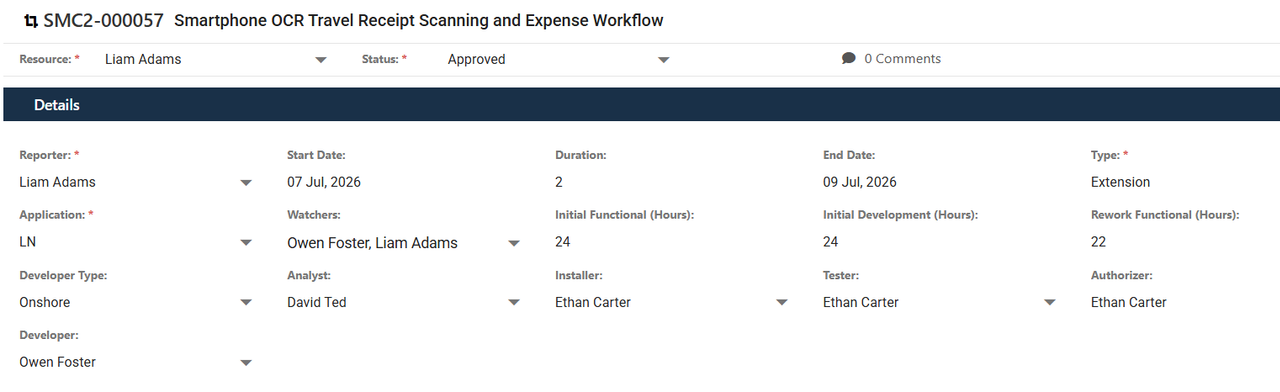

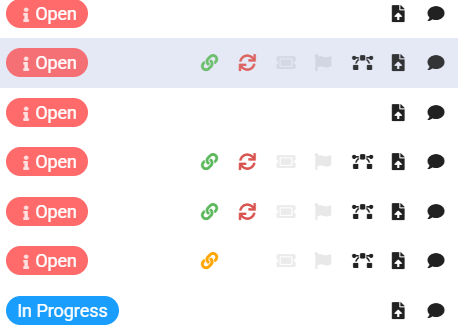
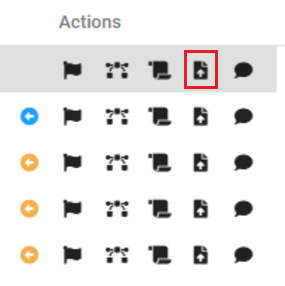
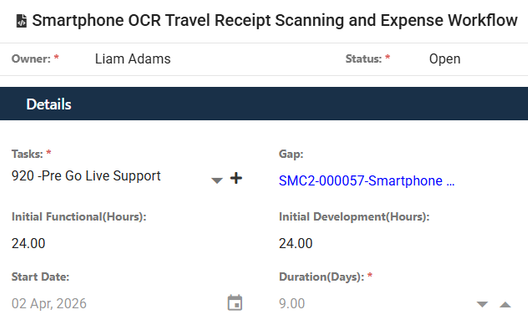
Connect the dots from start to finish. Follow the complete trail from a gap, to the dev plan, to the specific issue, so you always know exactly how one change impacts the whole system.
 Log Bugs

Issue Tracking
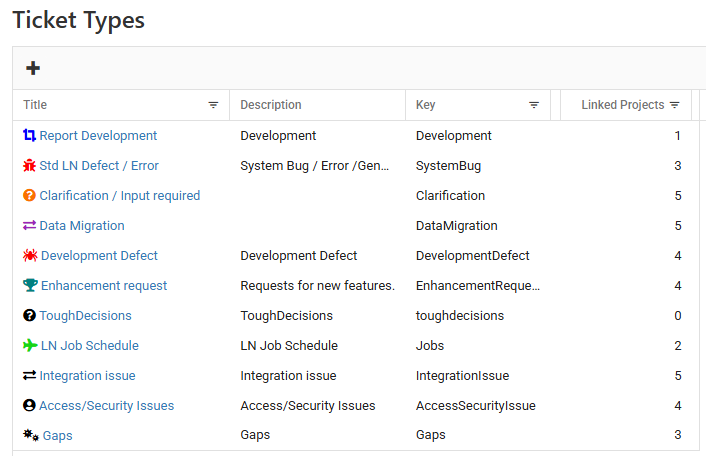
Customize your ticket types to fit any scenario perfectly.
Drag and drop tasks to update their status instantly.
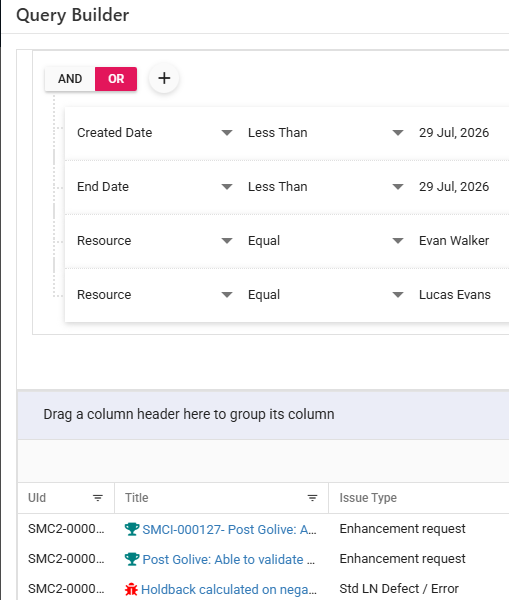
Build custom queries to find exactly what you are looking for.
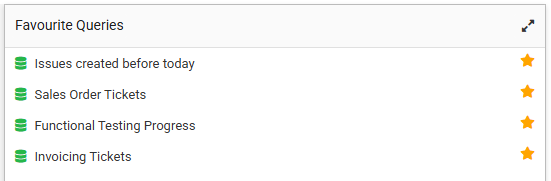
Pin your favorite searches right to your dashboard.
Bulletproof your Product before go-live.
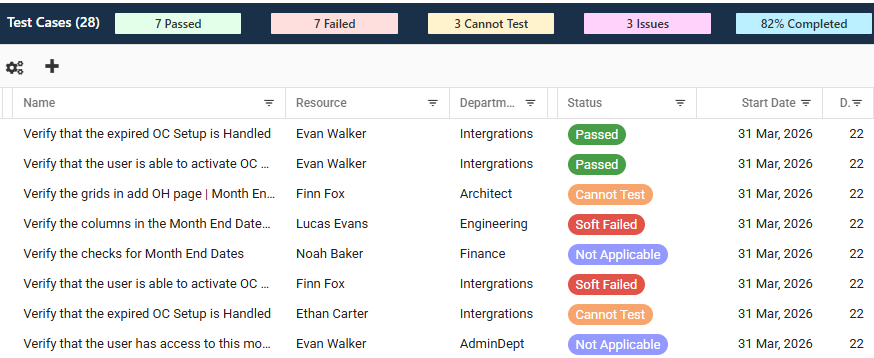
 Scenario Discovery
Never log an isolated ticket again. Link every bug directly to your master test scenarios and E2E cycles so your developers know exactly what broke and why.
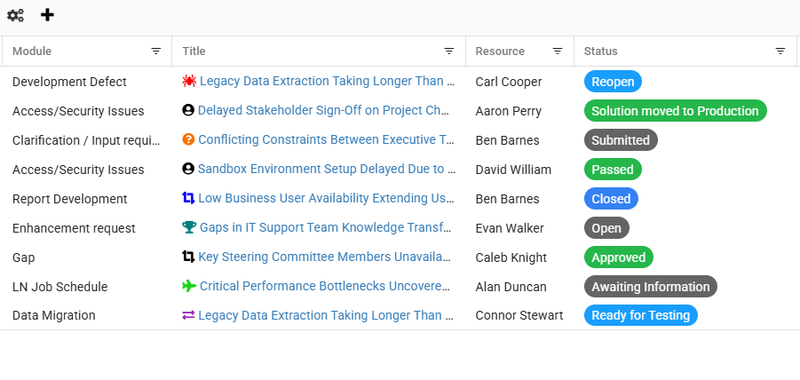

 Report an Issue

Execute multi-round testing cycles with complete, shared visibility for your entire testing team.
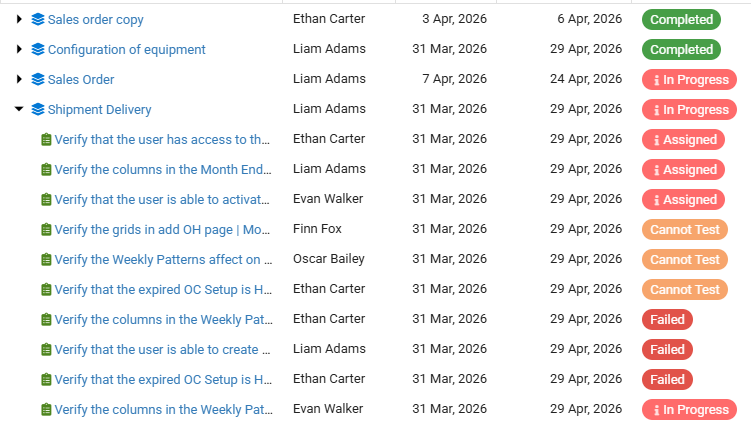
Integrated Resource and Admin Suite
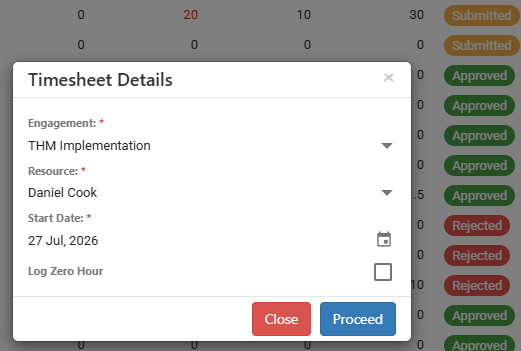
Live Effort Tracking
Log hours effortlessly and feed live data directly into your project budget.
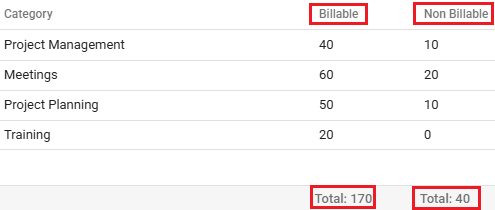
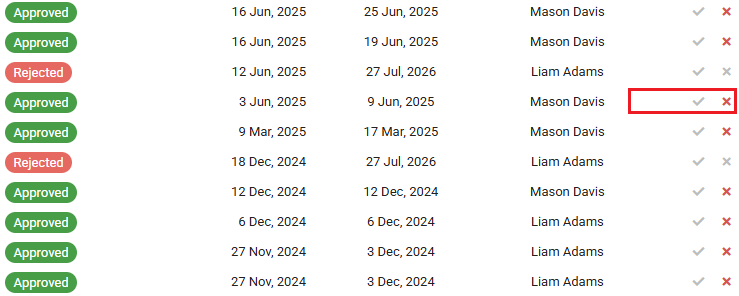
Leave Management
Manage team capacity and instantly see how time-off impacts your active project baselines.
 impact on projects
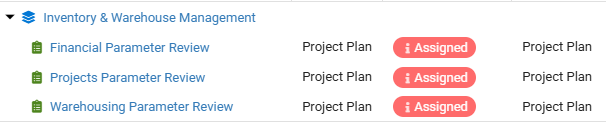
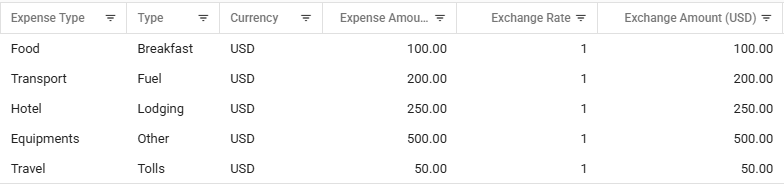
Expense Tracking
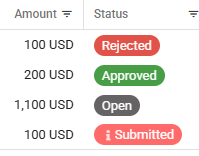
Simplified team expense reporting and approval process.
Risk and Mitigation
Management
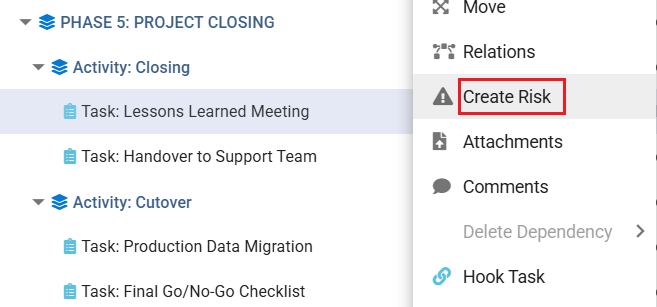

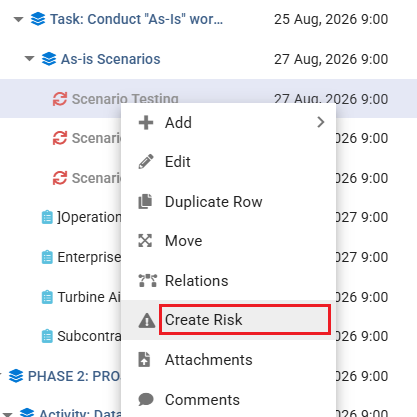
Link risks directly to tasks to mitigate timely.
Templates & Reusability
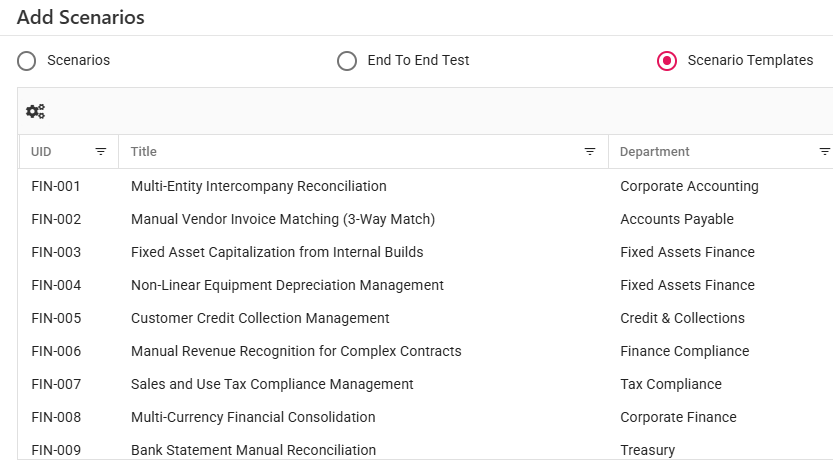

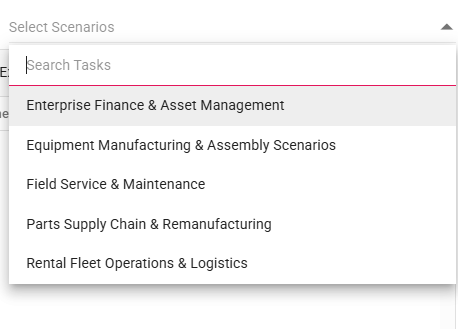
Populate hundreds of Scenarios, Project plans, Dev plans and Business processes instantly using pre-built templates.
Status Reports
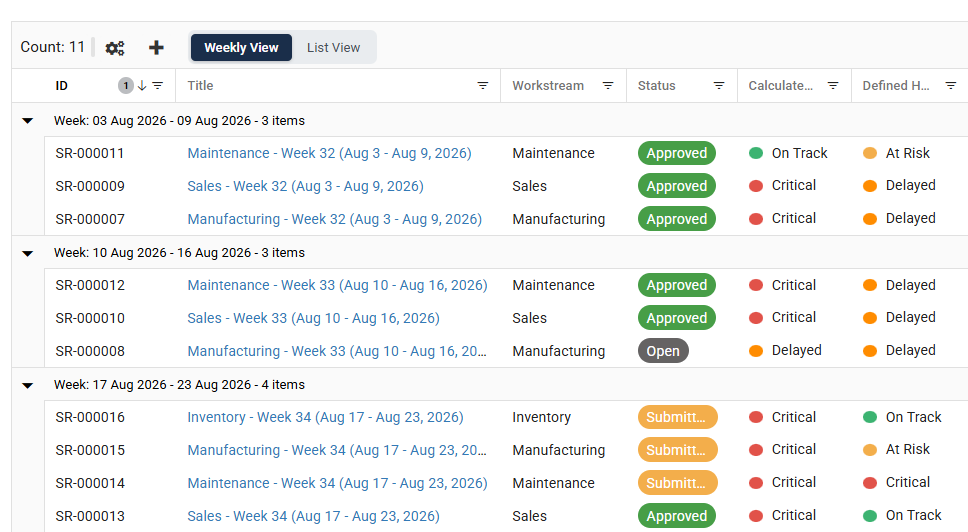
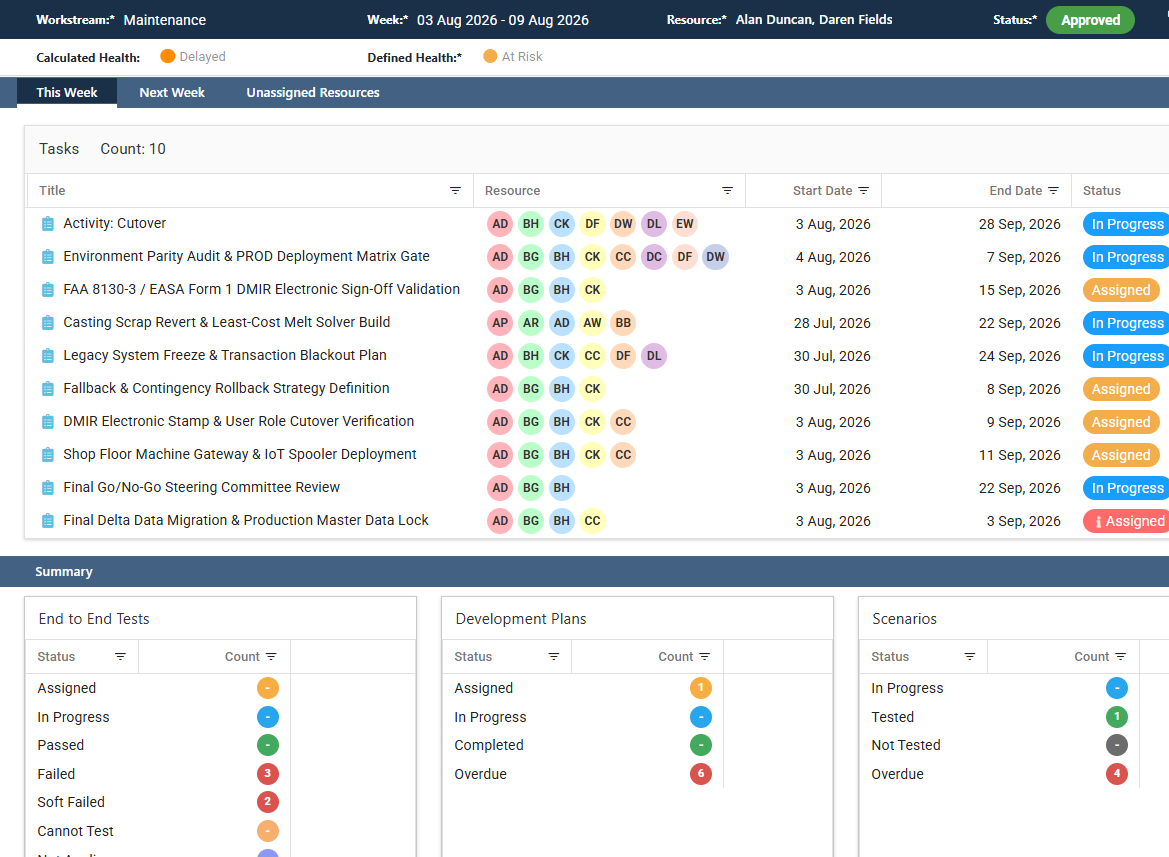
Transform manual weekly updates into automated, data-driven Status Reports rolled up by workstream.
Track current-week deliverables, delay disclaimers and live roll-up counts for ETE tests, Dev Plans, scenarios and other items.